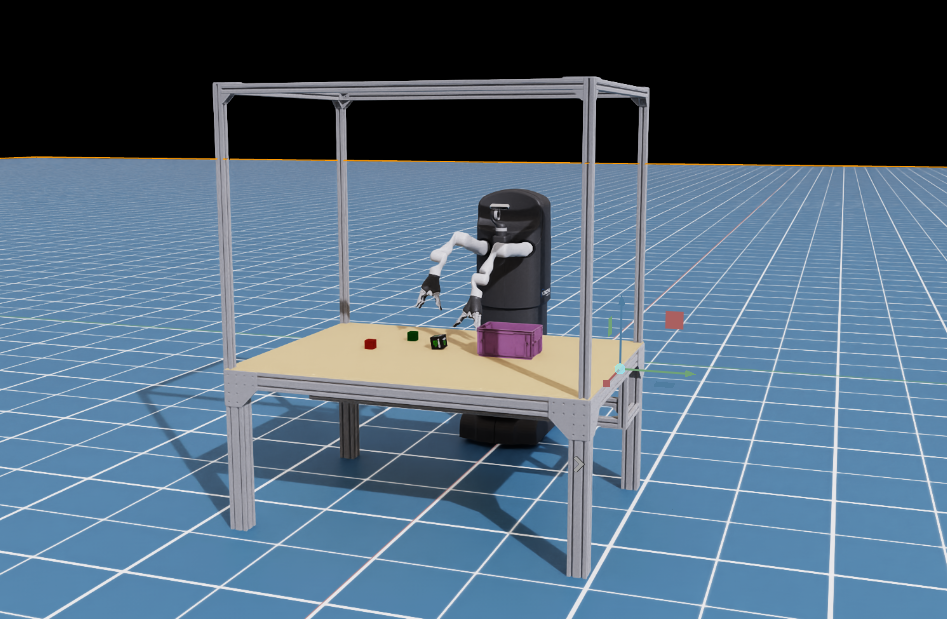
Introduction
I now had two “Frankenstein” projects:
- MOVO 2.0 – a resurrected Kinova–Stanley mobile manipulator with a new neck, ROS2 base, dual Jaco arms, and on-board AI.
- The Jaco Table – a safe, modular robot arm environment built from aluminum extrusions, kill switch, power management, sensors, and dual Jaco arms.
Both worked in the real world. Both were hacky, fun, and surprisingly usable. The problem? I had zero good simulation story that reflected what I actually had in the lab.
I didn’t want “yet another toy UR5 in a fake kitchen.” I wanted:
- MOVO in sim, with its base, arms, sensors.
- The table setup in sim, with its cage, cameras, and workspace.
- One stack where I can prototype tasks and policies in Isaac Sim, then push them to either the table or MOVO with minimal changes.
So this is the story of bringing MOVO to Isaac Sim and merging both projects into a single simulation + real-robot workflow.
Step 1 – Cleaning Up Robot Descriptions
The starting point was a mess of URDFs, XACROs, and old configs from Kinova, MOVO, and my own table project.
I wanted:
- One URDF/XACRO stack for the Jaco arm (reused in both projects).
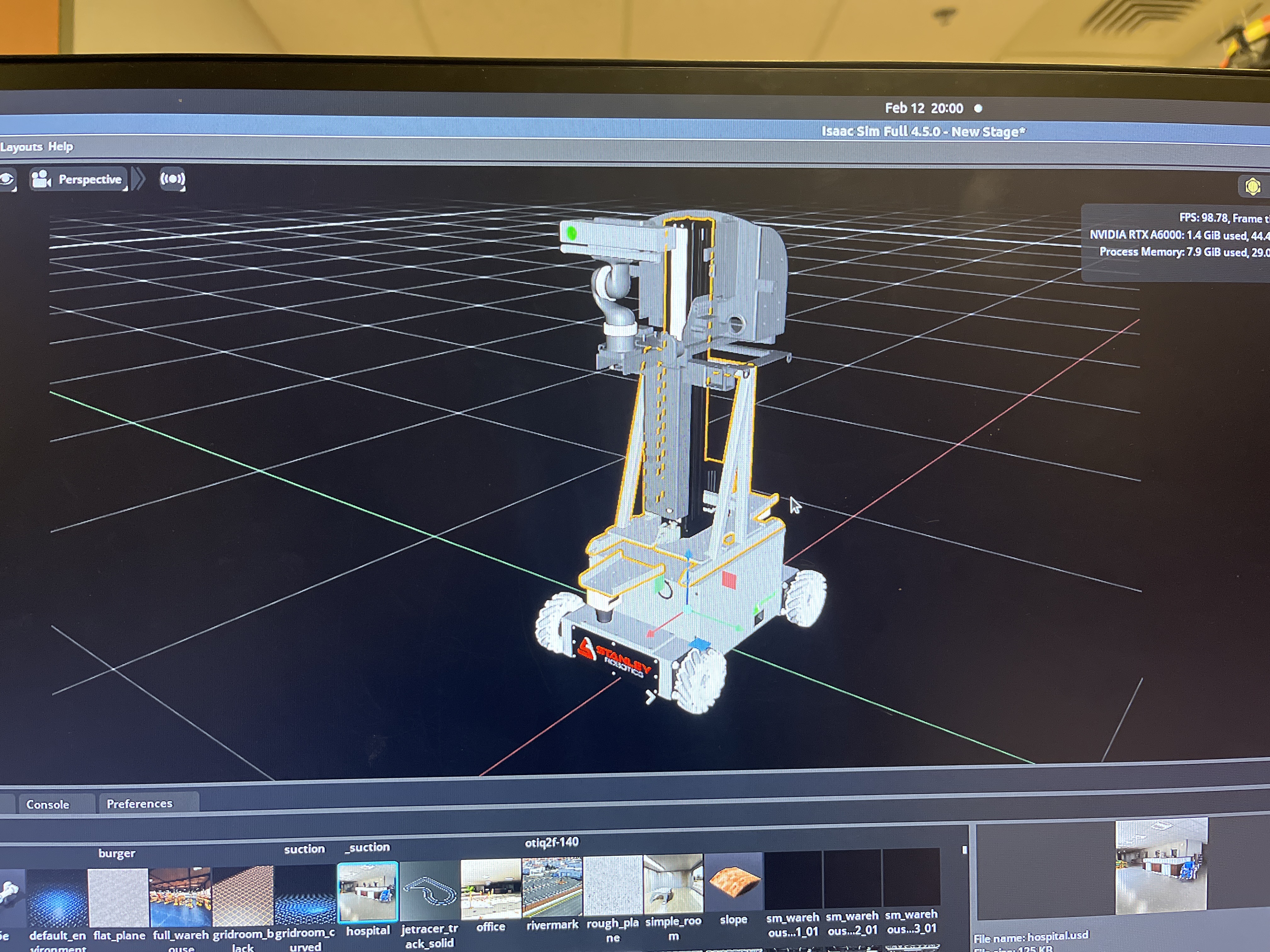
- A MOVO base model with the right wheel positions, base link, and new neck.
- Clear, consistent frame names and TF tree so Isaac Sim & ROS2 agree on reality.
So I:
- Took the Kinova Jaco descriptions, stripped away old, broken stuff, and made a minimal, clean arm model.
- Built a MOVO base URDF that matches how I actually rebuilt the robot: wheel positions, base height, IMU frame, cameras.
- Added neck + RealSense as a small articulated chain, with frames that match my real neck (
neck_pan_link,neck_tilt_link,camera_color_optical_frame, etc.). - For the table, I didn’t model every M8 screw, but I added:
- A big, stiff table.
- Mounting plates where the arms sit.
- Rough cage geometry so camera poses match something real.
The key rule: if a frame name exists in sim, it should exist in the real TF tree too.
Step 2 – Getting MOVO into Isaac Sim
Once the URDFs were semi-clean, it was Isaac time.
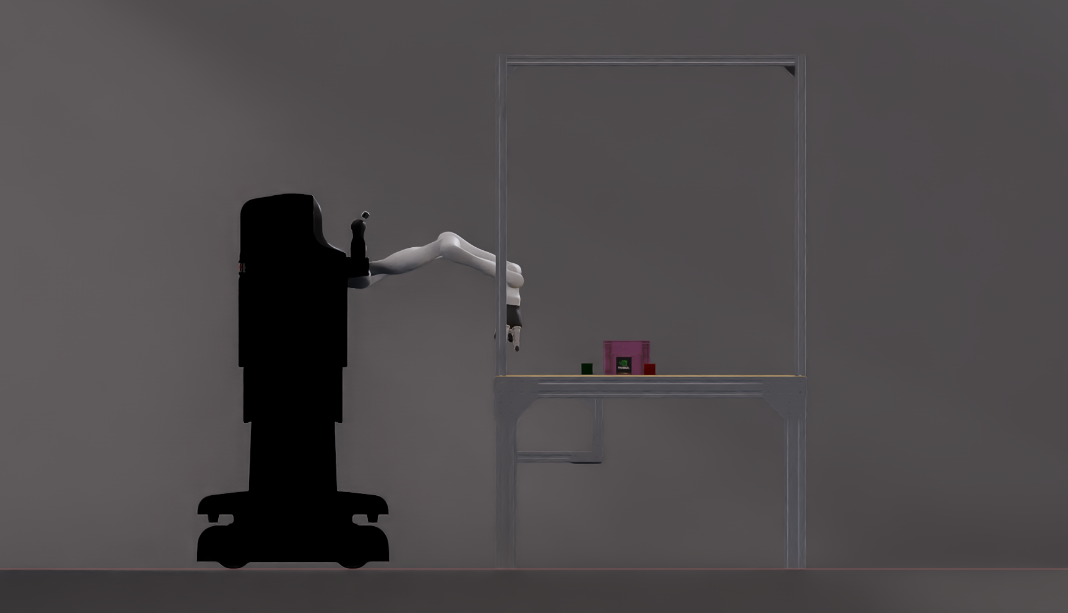
Importing the Model
I imported the MOVO URDF into Isaac Sim:
- Fixed collision meshes (remove giant bounding boxes, keep simple shapes).
- Adjusted inertias so the simulation doesn’t explode when the arm moves.
- Set the base’s wheels to use correct joint types (continuous/hinge) for omni-wheel control.
- Configured the Jaco arms as articulations, with the same joint order as in the real robot.
Sensors in Sim
MOVO in the lab has:
- A front RealSense,
- A rear RealSense,
- An IMU,
- Optionally LiDAR.
So in Isaac Sim, I:
- Added RGB-D cameras at roughly the same transforms.
- Added a simulated IMU to the base link (or a frame close to the real IMU mount).
- Set their topics/frames to match the real ones, so from ROS2’s perspective, it’s the same robot.
Step 3 – Rebuilding the Jaco Table in Isaac
The table environment also deserved its sim twin.
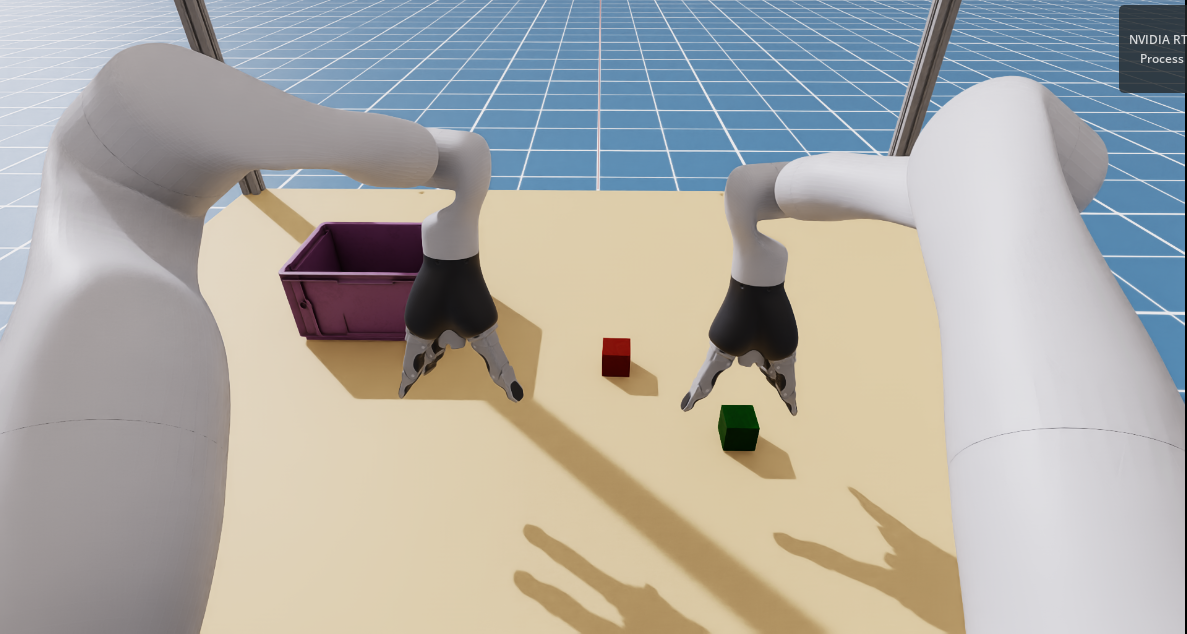
I recreated:
- The table as a big fixed body with the correct height.
- Two Jaco arms mounted on plates representing the optical breadboard / mounting plate.
- The cage structure only loosely (I mostly care about camera positions and potential collisions).
- Overhead and side RealSense-style cameras where I actually mounted them in the real setup.
Again, the idea is not photorealism; it’s:
- Same workspace shape.
- Same camera extrinsics (or close).
- Same frames, names, and topics.
Where This Leaves Me
Now I have:
- A rebuilt MOVO that actually moves in the lab.
- A safe, modular Manipulator Workspace for controlled experiments.
- A shared Isaac Sim environment where both setups exist in a consistent way.
It’s not a perfect “digital twin,” and I’m not pretending Isaac Sim magically closes the sim-to-real gap, but I now have a closed loop:
Design in Isaac Sim → test with both robots → collect real data → refine policies → back to sim → repeat.
And honestly, after all the battery surgery, base reverse-engineering, and neck redesign, it feels kind of luxurious to just hit “Play” in Isaac and watch MOVO move without the smell of burning electronics.